
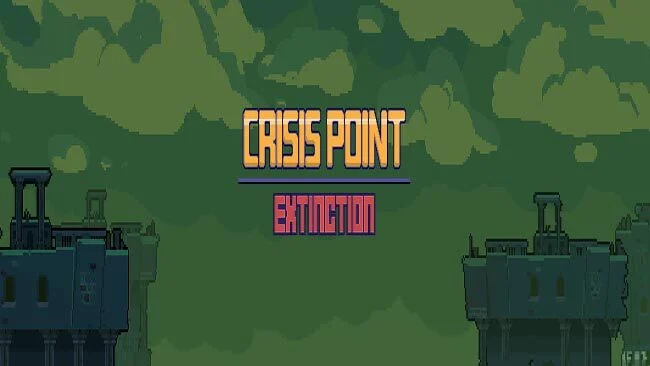
Crisis Point: Extinction (v0.48.1 & Uncensored)
Game Overview
A hostile alien frontier provides the backdrop for a 2D action-platformer that mixes military sci-fi, exploratory Metroidvania structure, and explicit adult content. You play Alicia, a determined soldier sent into danger after humanity’s expansion into space triggers a biological crisis: a virus has altered human reproduction, leaving every new generation female. Her mission leads across an unfamiliar planet packed with aggressive lifeforms, ominous facilities, and secrets buried beneath the surface. The tone is pulpy and provocative, but the central appeal is surviving an alien environment that steadily reveals more of its threats and mysteries.
Alicia moves through interconnected side-scrolling areas, using platforming, combat, and environmental awareness to push past obstacles that initially block the route forward. Expect the usual Metroidvania rhythm of finding new tools or abilities, revisiting earlier locations, and opening shortcuts into previously unreachable sections. Combat centers on shooting enemies while managing positioning, jumps, and the hazards created by close-quarters encounters; success depends as much on reading enemy behavior as simply charging ahead. The adult material is woven into the danger-state concept, so players should expect sexual content alongside the action rather than a separate, optional layer.
What helps Crisis Point: Extinction stand apart is its combination of classic exploration-driven design with a deliberately mature sci-fi premise. Its alien planet has room for tense, hostile atmosphere, while Alicia’s military role gives the action a more direct, combat-focused feel than a purely puzzle-heavy adventure. Fans of side-scrolling games in the vein of Metroid, who are comfortable with explicit themes and want a more adult-oriented variation on the formula, are the clearest audience. Players seeking a conventional all-ages sci-fi platformer should look elsewhere, but genre veterans may appreciate the familiar progression loop filtered through a darker, stranger setting.
Screenshots
Installation
- Select the Download button at the top of this page to open UploadHaven.
- On UploadHaven, wait for any countdown, then select Free Download. Optional: UploadHaven Pro for faster downloads.
- When complete, extract the archive to a Crisis Point: Extinction folder using 7-Zip.
- Open the extracted folder and start the game normally.
- For errors, check Setup Guide & Troubleshooting below. Keep your security software enabled.
System Requirements
- OS: Windows XP/Vista/7/8/8.1/10
- Processor: INTEL 20. GHz Dual Core
- Memory: 1 GB RAM
- Graphics: Video card with at least 256 MB or more
- DirectX: Version 9.0c
- Storage: 300 MB available space
Setup Guide & Troubleshooting
How do I fix missing DLL errors for Crisis Point: Extinction (v0.48.1 & Uncensored)?
After extracting Crisis Point: Extinction (v0.48.1 & Uncensored), navigate to the _Redist or _CommonRedist folder inside the game directory and install DirectX, Vcredist, and any other dependencies included.
What should I do if the downloaded file is corrupted?
The full archive is 238.78 MB — make sure your download completed fully before extracting. Use 7-Zip to extract the files. If you still see a "file corrupted" error, re-download and try again.
Do I need to run the game as administrator?
Usually, no. Start the game normally from the extracted folder. If you see a permissions or save error, check that the folder is writable and follow the game's documented fix. Only grant administrator access when a trusted game's specific setup requires it.
How do I update my GPU drivers for this game?
The game won't launch — what should I try?
Check that extraction completed and your PC meets the system requirements, including Version 9.0c. Note any error message before choosing a fix. If it identifies a missing runtime, install the required DirectX components or Microsoft Visual C++ Redistributable from Microsoft.
My antivirus is blocking the game — is it safe?
A warning needs to be investigated; the download source alone cannot confirm that a file is safe. Keep your security software enabled and review the detection details. Do not run or restore a flagged file unless you have verified that it is a false positive. If you are unsure, leave it quarantined.