
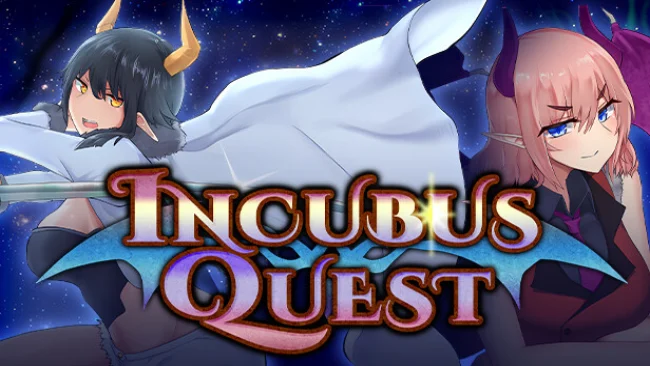
Game Overview
Lugrand’s long-running demon conflict gives this adult fantasy RPG a surprisingly clear underdog angle: Shadow is an incubus with almost no standing, no combat reputation, and few surviving allies after a devastating succubus assault. A sudden power saves him from the massacre, but it does not turn him into a hero overnight. Instead, he is sent across worlds to Ardia, where humans, wilderness routes, and city encounters become his proving ground. The mood mixes light fantasy adventure, character-driven erotic material, and a gradual revenge story built around an outmatched protagonist learning to survive.
Most of the play revolves around traveling between Ardia’s three major cities and surrounding areas, choosing opponents appropriate to Shadow’s current capabilities, and building enough experience to challenge stronger enemies. Battles are not presented as simple damage races; they emphasize reading an opponent’s disposition and selecting skills that shift the momentum of the encounter. Each confrontation has a conversational, back-and-forth quality, with different characters pressuring Shadow in their own ways and exposing weaknesses he must learn to manage. Defeat is part of the expected loop rather than a hard stop, thanks to Shadow’s unusual ability, although repeated losses still underline how far he has to go before confronting the invading succubi.
What separates Incubus Quest from a basic adult RPG is its focus on progression through vulnerability rather than immediate power fantasy. Shadow begins genuinely fragile, so exploration and target selection matter, while the roster of named humans and demons gives encounters more personality than anonymous grinding. The game uses its mature premise as part of the conflict and character dynamic, rather than treating it as an unrelated reward layer. Players who enjoy adult-themed RPGs with simple exploration, repeatable fights, and a protagonist who earns his strength over time should find plenty to work toward; those seeking fast tactical depth or a conventional heroic lead may find its deliberately weak opening more demanding.
Screenshots
Installation
- Select the Download button at the top of this page to open UploadHaven.
- On UploadHaven, wait for any countdown, then select Free Download. Optional: UploadHaven Pro for faster downloads.
- When complete, extract the archive to a Incubus Quest folder using 7-Zip.
- Open the extracted folder and start the game normally.
- For errors, check Setup Guide & Troubleshooting below. Keep your security software enabled.
System Requirements
- OS *: Windows® 7/8/8.1/10/11
- Processor: Intel Core2 Duo or better
- Memory: 4 GB RAM
- Graphics: DirectX 9/OpenGL 4.1 capable GPU
- DirectX: Version 9.0
- Storage: 1 GB available space
- Additional Notes: 1280×768 or better Display. Lag may occur from loading menus or maps. Turn off other programs before running the game.
Setup Guide & Troubleshooting
How do I fix missing DLL errors for Incubus Quest (Uncensored)?
After extracting Incubus Quest (Uncensored), navigate to the _Redist or _CommonRedist folder inside the game directory and install DirectX, Vcredist, and any other dependencies included.
What should I do if the downloaded file is corrupted?
The full archive is 2.01 GB — make sure your download completed fully before extracting. Use 7-Zip to extract the files. If you still see a "file corrupted" error, re-download and try again.
Do I need to run the game as administrator?
Usually, no. Start the game normally from the extracted folder. If you see a permissions or save error, check that the folder is writable and follow the game's documented fix. Only grant administrator access when a trusted game's specific setup requires it.
How do I update my GPU drivers for this game?
The game won't launch — what should I try?
Check that extraction completed and your PC meets the system requirements, including Version 9.0. Note any error message before choosing a fix. If it identifies a missing runtime, install the required DirectX components or Microsoft Visual C++ Redistributable from Microsoft.
My antivirus is blocking the game — is it safe?
A warning needs to be investigated; the download source alone cannot confirm that a file is safe. Keep your security software enabled and review the detection details. Do not run or restore a flagged file unless you have verified that it is a false positive. If you are unsure, leave it quarantined.