
Game Overview
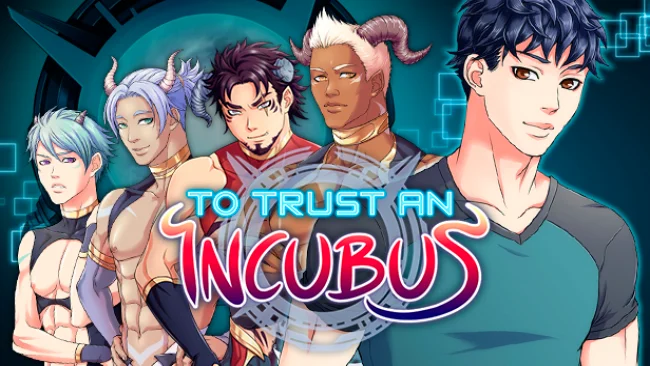
A quarantine laboratory becomes the setting for a tense, playful gay sci-fi romance where suspicion matters as much as attraction. To Trust an Incubus follows Kenta, a temporary employee assigned to a facility containing four powerful visitors from another dimension, each of whom may be either a misunderstood outsider or part of an advance force targeting Earth. Communication is limited, the scientists are uneasy, and the only workable path toward understanding the newcomers involves forming personal bonds with them. The result balances paranormal dating-sim drama with a mystery about who these aliens really are and what they want from humanity.
Most of the experience revolves around reading lengthy voiced scenes, choosing responses, and managing relationship-driven stats that steer Kenta toward different alliances, romances, and conclusions. Conversations are not merely cosmetic: decisions affect trust, character routes, available scenes, and the eventual truth behind the laboratory’s visitors. Three minigames break up the visual-novel structure, while recurring interactions let Kenta pursue individual relationships, group dynamics, or connections involving the facility staff. Four main routes and 35 endings give the story substantial branching value, especially for players willing to revisit key choices and chase alternate outcomes.
Its strongest appeal comes from the unusually large scale for an adult-oriented yaoi/bara visual novel, with a long script, full voice performances, original music, and a sizeable collection of illustrated CG scenes. Rather than treating its mature material as the only attraction, the writing builds a setting around interdimensional politics, language barriers, workplace intrigue, and shifting loyalties. The uncensored edition is aimed squarely at players comfortable with explicit queer romance, but the branching plot gives it more structure than a straightforward dating sim. Fans of choice-heavy visual novels such as Coming Out on Top or science-fiction romance stories with multiple routes should find plenty to pursue, while newcomers should expect a text-focused experience where patience and repeat play reveal the best outcomes.
Screenshots
Installation
- Select the Download button at the top of this page to open UploadHaven.
- On UploadHaven, wait for any countdown, then select Free Download. Optional: UploadHaven Pro for faster downloads.
- When complete, extract the archive to a To Trust an Incubus folder using 7-Zip.
- Open the extracted folder and start the game normally.
- For errors, check Setup Guide & Troubleshooting below. Keep your security software enabled.
System Requirements
- OS *: Windows XP System Pack 1
- Processor: 1GHz
- Memory: 512 MB RAM
- Graphics: DirectX or OpenGL compatible card
- Storage: 2 GB available space
Setup Guide & Troubleshooting
How do I fix missing DLL errors for To Trust an Incubus (Uncensored)?
After extracting To Trust an Incubus (Uncensored), navigate to the _Redist or _CommonRedist folder inside the game directory and install DirectX, Vcredist, and any other dependencies included.
What should I do if the downloaded file is corrupted?
The full archive is 1.35 GB — make sure your download completed fully before extracting. Use 7-Zip to extract the files. If you still see a "file corrupted" error, re-download and try again.
Do I need to run the game as administrator?
Usually, no. Start the game normally from the extracted folder. If you see a permissions or save error, check that the folder is writable and follow the game's documented fix. Only grant administrator access when a trusted game's specific setup requires it.
How do I update my GPU drivers for this game?
The game won't launch — what should I try?
Check that extraction completed and your PC meets the system requirements. Note any error message before choosing a fix. If it identifies a missing runtime, install the required DirectX components or Microsoft Visual C++ Redistributable from Microsoft.
My antivirus is blocking the game — is it safe?
A warning needs to be investigated; the download source alone cannot confirm that a file is safe. Keep your security software enabled and review the detection details. Do not run or restore a flagged file unless you have verified that it is a false positive. If you are unsure, leave it quarantined.